

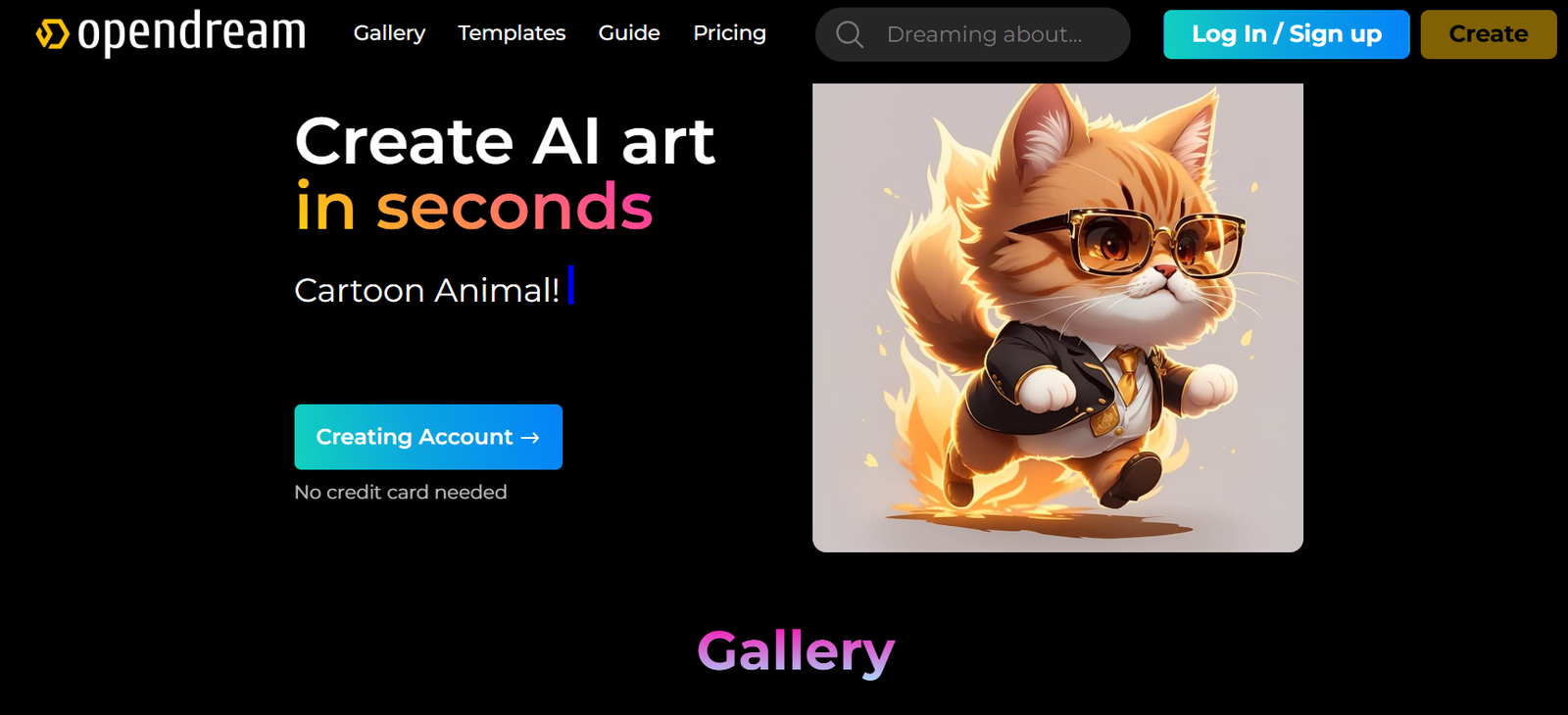

Artificial intelligence has changed the way people create digital artwork. Today, you do not need professional drawing skills, expensive design software, or years of experience to turn your creative ideas into beautiful visuals. With OpenDream AI Art, anyone can generate unique artwork by simply describing their imagination through text. Whether you want to create realistic portraits, fantasy landscapes, digital illustrations, product concepts, or creative designs, OpenDream AI makes the process faster and more accessible.
However, creating impressive AI artwork is not just about typing a few words and clicking the generate button. The quality of your final image depends on how clearly you communicate your idea, how you structure your prompts, which artistic style you choose, and how you refine your results. Learning the right techniques can help you create more professional and visually appealing images.
What Is OpenDream AI Art?
OpenDream AI Art is an AI-powered image generator that transforms written descriptions into digital images. Instead of manually drawing every element, users can describe their desired artwork, and the AI creates an image based on those instructions.
For example, instead of spending hours designing a fantasy environment manually, you can write a prompt like: “A magical forest with glowing trees, a small river flowing through the landscape, soft morning sunlight, cinematic fantasy art style.” The AI then interprets these details and creates a visual representation.
OpenDream AI Art can be used for many creative purposes, including character designs, social media graphics, website images, marketing visuals, illustrations, wallpapers, and concept artwork. It is useful for beginners who want to explore creativity as well as professionals who want to speed up their design workflow.
Start With a Clear Creative Vision
The first step to creating amazing artwork with OpenDream AI is knowing exactly what you want to create. A clear idea helps you write better prompts and gives the AI more direction.
Before creating an image, think about the main subject, environment, style, colors, mood, and purpose of your artwork. For example, instead of simply writing “a beautiful city,” you can describe “a futuristic city at night with tall glass buildings, flying vehicles, neon lights, cinematic atmosphere, and realistic details.”
The more specific your idea is, the easier it becomes for OpenDream AI to understand your vision.
Create Detailed AI Art Prompts
The prompt is one of the most important factors that affects your final result. A simple prompt usually creates a basic image, while a detailed prompt gives the AI more information to work with.
A strong AI art prompt usually includes several important elements, such as the main subject, environment, visual details, lighting, camera perspective, and artistic style.
For example:
“A realistic portrait of a young artist sitting in a modern studio, natural window lighting, detailed facial features, soft shadows, professional photography style, high-resolution image.”
This type of prompt tells the AI not only what to create but also how the final image should look.
When writing prompts, avoid using only general words like “beautiful,” “amazing,” or “cool.” Instead, describe actual visual elements. Mention textures, colors, materials, atmosphere, and composition to guide the AI more effectively.
Choose the Right Artistic Style
One of the biggest advantages of OpenDream AI Art is the ability to experiment with different creative styles. The same idea can look completely different depending on the style you choose.
For realistic images, you can use terms like “professional photography,” “realistic lighting,” or “high-detail photography.”
For fantasy artwork, you can use descriptions like “epic fantasy illustration,” “magical atmosphere,” or “cinematic fantasy environment.”
For digital artwork, you can include phrases like “digital painting,” “concept art,” or “detailed illustration.”
Choosing the right style helps create artwork that matches your intended purpose.
Use Lighting and Mood to Improve Your Images
Lighting plays a major role in making AI-generated artwork look professional. The right lighting can change the entire feeling of an image.
For example, golden sunset lighting can create a warm and emotional atmosphere, while neon lighting can make an image feel futuristic and energetic. Soft studio lighting works well for professional portraits, while dramatic shadows can create a cinematic effect.
Instead of simply saying “good lighting,” describe the exact mood you want. A phrase like “soft morning sunlight passing through trees” gives the AI a much clearer visual direction.
Improve Composition With Camera Angles
Professional artwork is not only about the subject; composition is equally important. You can improve your AI images by adding camera and perspective instructions.
For example, a close-up shot works well for portraits because it focuses on facial details. A wide-angle shot is better for landscapes because it captures more of the environment. A low-angle perspective can make a subject appear powerful, while an aerial view can create a dramatic overview of a scene.
Adding camera instructions helps OpenDream AI create images that feel more intentionally designed.
Use Negative Prompts for Better Results
Sometimes AI-generated images may include unwanted details such as blurry areas, incorrect shapes, distorted faces, or unnatural objects. Negative prompts can help reduce these issues by telling the AI what elements to avoid.
For example, you can include terms like “blurry image,” “low quality,” “distorted details,” “extra fingers,” or “incorrect proportions.”
Negative prompts are especially useful when creating portraits, animals, characters, and detailed scenes where accuracy matters.
Experiment and Refine Your Artwork
The first image generated by AI is not always the final version. Professional AI creators often generate multiple versions and improve their prompts based on the results.
If your image looks good but needs improvement, do not completely rewrite your prompt. Instead, make small adjustments.
For example, if the subject looks good but the background is too simple, add more environmental details. If the image looks too cartoon-like, add realistic photography terms.
Small changes can create significant improvements.
Save Your Best Prompts
A great way to improve your OpenDream AI Art skills is by creating your own prompt library. Whenever you create an image that produces excellent results, save the prompt for future projects.
You can organize prompts into categories such as portraits, landscapes, product designs, fantasy artwork, architecture, and social media graphics.
Over time, this collection becomes a valuable creative resource that helps you generate better images faster.
Common Mistakes to Avoid When Using OpenDream AI Art
Many beginners make the mistake of using very short prompts. A phrase like “a modern house” does not provide enough information for the AI. Adding details about architecture, surroundings, lighting, and style will create a much stronger result.
Another common mistake is adding too many unnecessary words. More words do not always mean better images. Every part of your prompt should provide useful visual information.
It is also important to review AI-generated images carefully. Sometimes small details like hands, text, reflections, or background objects may not appear correctly. Always check your final artwork before using it professionally.
How OpenDream AI Art Helps Creators
OpenDream AI Art provides a faster way to explore creative ideas. Designers can use it for inspiration, marketers can create visual concepts, and businesses can develop artwork for campaigns and branding projects.
For beginners, it removes many barriers that traditionally made digital art difficult. For experienced creators, it works as a powerful tool for brainstorming and visual experimentation.
The real value of AI art comes from combining technology with human creativity. The AI can generate images, but your ideas, decisions, and creative direction determine the final result.
Frequently Asked Questions About OpenDream AI Art
What is OpenDream AI Art?
OpenDream AI Art is an artificial intelligence-based image generator that creates artwork from text descriptions. Users can describe their ideas, and the AI converts those descriptions into digital images.
How can I create better images with OpenDream AI?
You can create better images by writing detailed prompts, choosing the right style, adding lighting and composition instructions, using negative prompts, and improving your artwork through multiple attempts.
Do I need artistic skills to use OpenDream AI?
No. OpenDream AI Art is designed for beginners as well as experienced creators. Anyone can create images by learning how to write effective prompts.
What type of artwork can I create with OpenDream AI?
You can create portraits, landscapes, fantasy scenes, character designs, product concepts, illustrations, and many other types of digital artwork.
Why are my AI images not matching my idea?
AI tools interpret your instructions rather than understanding your thoughts exactly. Adding more specific details and refining your prompts can help create results closer to your original vision.
Final Thoughts
Creating amazing artwork with OpenDream AI Art is about more than just generating images. It is about learning how to communicate your ideas clearly and creatively.
By using detailed prompts, selecting suitable styles, experimenting with different compositions, and refining your results, you can transform simple concepts into impressive AI-generated artwork.
Whether you are a beginner exploring digital creativity or a professional looking for faster design solutions, OpenDream AI Art provides an exciting way to bring your imagination to life. The more you experiment and improve your prompting skills, the better your artwork will become.