

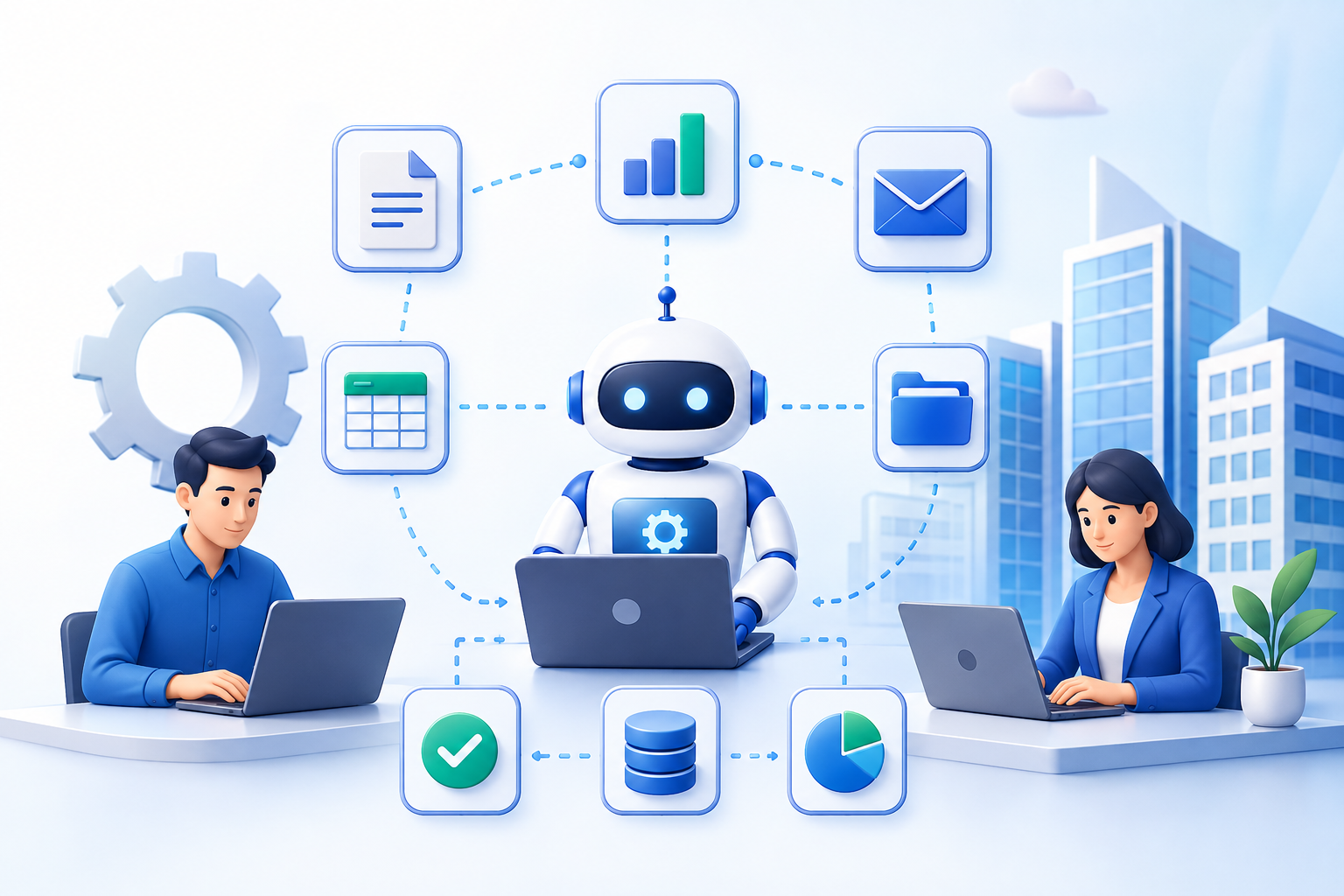

Modern businesses handle thousands of small digital tasks every day. Employees enter data, process invoices, update spreadsheets, respond to routine emails, prepare reports, transfer information between applications, and check records for errors.
Individually, these tasks may seem simple. Together, they can consume a significant amount of working time.
This is why Droven.io RPA and business automation has become an interesting topic for people researching how automation can improve modern business operations. Droven.io itself is primarily an educational technology and editorial resource covering artificial intelligence, automation, digital transformation, analytics, and related technologies rather than an RPA software product.
Understanding the topic therefore means understanding the technologies behind automation: Robotic Process Automation (RPA), workflow automation, artificial intelligence, and business process automation.
This guide explains these concepts in simple terms and shows where they can provide practical business value.
What Is RPA?
Robotic Process Automation, commonly called RPA, uses software robots or “bots” to perform repetitive digital tasks according to predefined rules.
These are not physical robots. They are software programs capable of interacting with digital systems in ways similar to an employee using a computer.
For example, an RPA bot may:
- Copy information from one application to another
- Enter customer information into a database
- Process standard invoices
- Download and organize files
- Update spreadsheets
- Generate routine reports
- Check records against predefined rules
- Send automated notifications
- Transfer information between business systems
The key requirement is predictability.
If employees repeatedly follow approximately the same steps and the decisions involved can be expressed as clear rules, the process may be a candidate for automation.
What Is Business Automation?
Business automation is a broader concept than RPA.
While RPA usually focuses on automating specific computer-based tasks, business automation can connect multiple activities, systems, departments, and workflows.
A simplified relationship looks like this:
Business Automation → Workflow Automation
→ Robotic Process Automation
→ API Integrations
→ AI Automation
→ Document Processing
→ Automated Notifications
→ Reporting and Analytics
For example, consider what happens when a company receives an order.
A traditional process might require employees to manually check the order, enter information into another system, create an invoice, notify the warehouse, update inventory, and email the customer.
Business automation attempts to connect these steps into a coordinated workflow.
How Does RPA Work?
RPA is easiest to understand by comparing a manual workflow with an automated one.
Traditional Manual Process
Customer request → Employee reviews request → Data entered manually → Information checked → System updated → Confirmation sent
Every step requires employee involvement.
RPA-Assisted Process
Customer request → Bot extracts information → Rules validate data → Business system updates → Confirmation generated → Employee handles exceptions
Instead of removing employees completely, automation handles predictable work while people concentrate on unusual situations and decisions.
That distinction is important.
Good automation is usually about deciding which work machines should handle and which work still requires people.
Which Business Tasks Are Best Suited to RPA?
Not every process should be automated.
RPA works particularly well when tasks are:
- Repetitive
- Rules-based
- High-volume
- Digital
- Structured
- Time-consuming
- Stable
- Prone to manual data-entry errors
Consider an accounts department that receives hundreds of invoices every week.
Employees may repeatedly download attachments, read invoice numbers, copy amounts, update accounting records, organize documents, and mark invoices as processed.
When documents follow predictable formats and the workflow has clear rules, several of these steps may be automated.
Illustrative Automation-Suitability Score
The following graph uses illustrative scores, not measured Droven.io performance data. It simply demonstrates which kinds of processes are generally stronger candidates for rules-based automation.
The important lesson is not the exact percentages. It is the pattern: the more repetitive and predictable a task becomes, the easier it usually is to evaluate for automation.
What Is Droven.io’s Role in RPA and Business Automation?
There is an important distinction that users researching this keyword should understand.
Droven.io should not be confused with an RPA platform that provides a dashboard where companies build and deploy software bots.
Droven.io describes itself as an editorial source covering AI, technology, the future of work, and digital transformation. Its website also has dedicated content areas for AI business processes and automation-related subjects.
In other words, its role is primarily educational.
Businesses researching RPA can use resources like Droven.io to better understand concepts, terminology, trends, use cases, risks, and digital transformation strategies before evaluating actual automation software.
What Are the Main Benefits of RPA?
1. Less Repetitive Manual Work
One of automation’s clearest benefits is reducing the amount of routine work employees must perform manually.
Imagine an employee repeatedly moving information between two systems.
Automation can potentially handle the predictable transfer while the employee deals with records that need investigation.
2. More Consistent Processes
Humans can become tired, distracted, or inconsistent when performing the same task hundreds of times.
A correctly configured automation follows its programmed rules consistently.
That can be useful for structured activities such as data transfers, validation, document organization, and routine reporting.
3. Faster Processing
Software can perform certain repetitive computer interactions much faster than manual processing.
This can help organizations shorten turnaround times for high-volume administrative processes.
4. Better Use of Employee Time
Automation does not have to mean removing people from a process.
Instead, companies can move employees away from repetitive clicking, copying, and checking toward work involving communication, creativity, problem-solving, customer relationships, and judgment.
5. Easier Scaling
A growing business usually experiences increasing administrative work.
More customers can mean more orders, invoices, records, support requests, reports, and system updates.
Automation can help businesses manage some of this additional volume without increasing manual work at exactly the same rate.
Where Can Businesses Use RPA?
Finance and Accounting
RPA can support activities such as invoice processing, account reconciliation, routine data entry, document handling, and scheduled reporting.
The goal is not to automate financial judgment. Instead, businesses can automate predictable administrative steps surrounding financial operations.
Human Resources
HR departments manage large quantities of structured information.
Automation may assist with onboarding checklists, employee record updates, document organization, standard notifications, and recurring administrative processes.
Customer Service
Automation can categorize incoming requests, retrieve account information, update tickets, trigger notifications, and route cases to the appropriate employee.
Complicated customer problems can then remain with human agents.
Sales and Marketing
Sales teams often spend time updating CRM records and transferring lead information.
Automated workflows can help capture leads, update records, assign prospects, schedule follow-ups, and prepare routine reports.
Supply Chain and Logistics
Automation may support order processing, inventory updates, shipment-status synchronization, document management, and routine notifications.
RPA vs. Traditional Automation: What Is the Difference?
The terms are sometimes used interchangeably, but there is a practical distinction.
RPA often imitates actions that a person performs through an application’s interface.
Traditional integration commonly connects systems through APIs, databases, or purpose-built integrations.
Suppose employees manually copy order information from System A into System B.
An RPA bot could potentially perform the same screen-based actions.
However, if both systems provide reliable APIs, directly connecting them may be a cleaner solution.
That means businesses should not automatically choose RPA simply because a process can be automated.
The better question is:
What is the simplest, safest, and most maintainable way to automate this process?
Where Does AI Fit Into Business Automation?
RPA and AI solve different types of problems.
Traditional RPA is strongest when instructions are predictable:
If X happens → perform Y.
Artificial intelligence can be useful when a process involves less structured information, such as classifying text, summarizing documents, interpreting messages, or assisting with decisions.
Combining the two creates what is often called intelligent automation.
A simplified workflow could look like this:
Document arrives → AI interprets information → Rules validate it → RPA enters information → System updates → Human reviews exceptions
This combination can expand automation beyond basic repetitive clicking.
However, AI-generated outputs may require additional validation, governance, privacy controls, and human review depending on the use case.
How Should a Business Start With Automation?
Companies do not need to automate an entire department at once.
A more manageable approach is to begin with one clearly defined process.
Step 1: Identify Repetitive Work
Ask employees what tasks they perform repeatedly.
Look for processes involving:
- Copying and pasting
- Repeated data entry
- Spreadsheet updates
- Routine file management
- Standard reports
- Repetitive system checks
Step 2: Map the Existing Process
Write down every step.
For example:
Receive invoice → Download file → Check supplier → Record amount → Update accounting system → Store document → Send confirmation
Mapping the process often reveals unnecessary steps before automation even begins.
Step 3: Check Whether the Process Is Stable
Automating a poorly designed process can simply make a bad process run faster.
Businesses should simplify and standardize the workflow first.
Step 4: Choose the Appropriate Technology
Depending on the process, the answer may be:
RPA, API integration, workflow automation, AI automation, or a combination of technologies.
Step 5: Start Small
A pilot project allows the organization to understand technical problems, employee needs, security considerations, and maintenance requirements before expanding automation.
Step 6: Measure Results
Businesses should compare the automated process against the original process.
Useful metrics can include:
- Processing time
- Error rate
- Cost per transaction
- Number of manually handled cases
- Automation success rate
- Exception rate
- Employee time required
What Can Go Wrong With RPA?
Automation is not automatically successful.
One common problem occurs when businesses automate unstable workflows.
For example, a bot may depend on a particular button, field, screen layout, or application behavior. If the underlying software changes, the automation may need maintenance.
Another problem is excessive automation.
Processes involving negotiation, empathy, complex judgment, unusual circumstances, or strategic decisions are often poor candidates for complete automation.
Businesses also need to consider cybersecurity.
Automation bots may interact with sensitive business systems. Their permissions, credentials, logs, data access, and activities should therefore be controlled and monitored.
Should Automation Replace Employees?
This is one of the biggest concerns surrounding RPA.
A better way to think about automation is at the task level rather than only at the job level.
An employee’s job might contain ten different activities. Perhaps three are repetitive enough to automate, while seven require communication, judgment, creativity, or specialized knowledge.
Automation can remove those three repetitive activities without eliminating the need for the overall role.
The resulting workflow becomes:
Machines → repetitive execution
Humans → judgment, creativity, communication and exceptions
That is often more practical than trying to automate everything.
How Can Businesses Measure RPA Success?
Automation should produce measurable improvements.
A simple calculation is:
Time Saved = Manual Processing Time − Automated Processing Time
Businesses can also estimate:
Annual Hours Saved = Time Saved per Task × Number of Tasks per Year
However, time savings alone do not tell the whole story.
Organizations should consider reliability, error reduction, employee workload, customer experience, maintenance costs, security, and exception handling.
An automation that saves hundreds of hours but constantly breaks may provide less value than a smaller automation that operates reliably.
What Does the Future of Business Automation Look Like?
Business automation is increasingly moving beyond simple screen-based bots.
Modern automation environments can combine APIs, RPA, artificial intelligence, document processing, analytics, low-code platforms, and human approvals.
This creates a broader model:
Data → AI → Automation → Human Review → Business Action
The future is therefore unlikely to be purely “humans versus robots.”
It is more likely to involve humans working alongside increasingly capable automation systems, with each handling the work for which it is best suited.
Final Thoughts
Droven.io RPA and business automation is best understood as an educational topic for businesses exploring how robotic process automation, AI, workflow technologies, and digital transformation can improve everyday operations.
Droven.io itself is an information and editorial resource rather than an RPA software platform. That distinction matters because businesses searching the term should not expect to sign up and deploy bots directly through Droven.io.
The broader lesson, however, is valuable.
RPA can help organizations reduce repetitive manual work, improve consistency, accelerate predictable processes, and make better use of employee time. But successful automation requires more than installing technology.
Businesses first need to understand their workflows, choose suitable processes, select the correct automation method, protect sensitive information, keep people involved where judgment matters, and continuously measure results.
The best automation strategy is not the one that automates the most work.
It is the one that automates the right work while allowing people to focus on the tasks where human skills provide the greatest value.
Frequently Asked Questions
What is Droven.io RPA and business automation?
The phrase generally relates to Droven.io’s educational coverage and online discussion of robotic process automation, AI, workflow automation, and digital business processes. Droven.io itself presents as an editorial technology resource rather than RPA deployment software.
Is Droven.io an RPA software platform?
Based on its publicly available website, Droven.io operates as an editorial and informational technology platform. It should not be confused with software used directly to build and deploy RPA bots.
What does RPA mean in business?
RPA stands for Robotic Process Automation. It uses software bots to execute repetitive and rules-based digital tasks that employees would otherwise perform manually.
What businesses can benefit from RPA?
Businesses with high volumes of repetitive digital work may benefit most. Potential applications exist in finance, HR, customer service, sales, logistics, operations, and administration.
What is the difference between RPA and AI?
RPA primarily follows predefined instructions, while AI can process less structured information and perform tasks such as classification, interpretation, prediction, or content analysis. The technologies can also work together.
Can small businesses use business automation?
Yes. Automation does not need to begin with a large enterprise project. Small businesses can start by identifying one repetitive, high-volume process and determining whether RPA, workflow software, an API integration, or another automation method is appropriate.
Is RPA suitable for every business process?
No. Processes that change frequently, depend heavily on human judgment, contain inconsistent data, or already have simpler API-based solutions may not be good RPA candidates.
The factual positioning above is grounded in Droven.io’s current public site, which describes itself as an editorial source for AI, technology, digital transformation and the future of work, and currently includes dedicated AI Business Processes content. citeturn0view0 Independent recent coverage also notes the common confusion between Droven.io as an information resource and an actual RPA product. citeturn0search1turn0search2